【Moho Production Guide】From AI Vector Environments to Live-Action Tokusatsu VFX: The New Frontier of 2.5D Animation Pipelines
In our previous dev story, we shared the development breakthrough behind our 3D prop and environment modeling tool, FoldWeaver 3D, and its sister suite Mesh & Pin Weaver 3D (Read the previous article here).
With the foundation of “manipulating 3D space and rigs directly inside Moho with pure hand-drawn intuition” firmly in place, our development entered its next vital phase:
“When these tools are deployed in real-world production pipelines, what level of visual expression can we truly achieve?”
Today, we are thrilled to present two brand-new demonstration videos showcasing the cutting-edge frontier of 2.5D animation built inside Moho Pro 14!
🎥 The Two Major Pipelines Featured in This Article
- 【Environment Rigging Chapter】 Fusing CorelDRAW 2026’s Generative AI Vector (Text-to-Vector) with MeshWeaver 3D to build perspective-locked 2.5D skyscraper environments!
- 【Live-Action Tokusatsu VFX Chapter】 Integrating VegasMaskTracker, RigWeaver, and the newly developed ShadowBaker_3D to seamlessly composite 3D characters into handheld live-action footage with radical perspective shifts!
Part 1: The Environment Revolution — CorelDRAW Generative AI Vectors × MeshWeaver 3D
*If the video player does not load, watch directly here 👉 Watch on YouTube
1. The Animator’s Nightmare: Drawing Rotating Urban Architecture
In traditional 2D animation, cityscapes and complex man-made structures consume an enormous amount of time and energy.
Specifically, whenever a dynamic camera orbits around a building and forces it to rotate in 3D perspective, animators must align hundreds of window frames and brick lines across dozens of individual frames — an exhausting, error-prone ordeal.
“Creating the basic building form is simple using Moho’s native 3D cube layers. But how can we snap vector facade artwork and window details flush onto rotating 3D surfaces while keeping full non-destructive 2D editing control?”
The ultimate answer is the powerhouse combination of CorelDRAW 2026’s Text-to-Vector engine and Moho’s MeshWeaver 3D.
2. Production Workflow: From AI Prompt to Dynamic 3D Rigging
【CorelDRAW 2026】
Generate vector facade patterns from AI text prompts ➜ Export clean SVG
       ↓
【Moho Pro 14】
Align to 3D cube surfaces ➜ Auto-bind to 3D mesh via 【MeshWeaver】
       ↓
Rotate 3D building ➜ Hit 【MeshWeaver: Update】 for instant 100% action sync!
STEP 1: Create a 3D Cube Layer in Moho
Construct a standard 3D extruded vector or cube in Moho to define the spatial volume and scale of the building.
STEP 2–3: Instant Facade Generation with CorelDRAW AI
Instead of spending hours manually ruling perspective lines, use CorelDRAW 2026’s Text-to-Vector prompt (e.g., “modern skyscraper glass facade vector pattern”) to generate crisp vector designs in seconds. Clean up redundant paths and export as standard SVG.
STEP 4–5: Import SVG & Surface-Bind with MeshWeaver
Import the SVG vector layer into Moho and place it on the front and side planes of the 3D building. Trigger MeshWeaver (or PinWeaver): with a single click, a camera-facing Smart Warp mesh rig is automatically calculated and baked flush onto the 3D surface geometry.
STEP 6–8: 3D Rotation with 100% Automated Keyframe Sync
Apply Y-axis rotation keyframes to the parent 3D building layer. Then simply tap the Update button in MeshWeaver!
The complex perspective foreshortening and rotation curves across the timeline are automatically recalculated into the vector mesh, achieving flawless animated synchronization.
STEP 9: Fully Non-Destructive Editing & Re-Sync
Need to tweak a specific window shape or toggle blend modes (e.g., Add/Screen for lit nighttime windows)? Modify the 2D vector layer at any time. Re-running the sync command updates the entire animation sequence without breaking existing work.
Part 2: Bridging Live Footage & Moho — The 2.5D Tokusatsu VFX Pipeline
*If the video player does not load, watch directly here 👉 Watch on YouTube
1. The Barrier Between 2D Character Animation and Live Footage
When attempting cinematic VFX or live-action composites inside Moho, creators encounter two massive roadblocks: synchronizing with chaotic handheld camera motion and heavy 3D calculation bottlenecks.
Real-world handheld or walking footage contains intense vertical jitter, roll, and continuous ground-plane perspective changes. Forcing an animated character’s feet to stay planted on that shifting surface has traditionally required heavy external 3D tracking software.
To overcome this, we engineered an end-to-end automated pipeline directly bridging video editing suite VEGAS Pro (Mocha) and Moho Pro 14.
2. The 3 Core Tools Powering the Tokusatsu Pipeline
| Tool | Role & Architectural Breakthrough |
|---|---|
| ① VegasMaskTracker | Exports planar tracking data from VEGAS Pro (Mocha) in 1 click via a custom C# script. Instantly reconstructs live tracking coordinates inside Moho as animated PinBones, synchronizing camera drift and perspective shifts 100%! |
| ② RigWeaver | Snaps the 3D character skeleton flush onto the imported PinBone anchors. Animators can puppet the character’s posture and grounding on the live path using just a single master control bone! |
| ③ ShadowBaker_3D | Bakes heavy 3D character calculations into lightweight transparent PNG sequences via a background render engine, auto-building a synchronized Switch Layer. Breaks Moho’s ancient “fixed light source” limitation by enabling 360° custom shadow directions! |
3. The Secret Weapon: Why ShadowBaker_3D Changed the Game
During real-world VFX compositing, two final bottlenecks emerged:
- Lighting Mismatch with Live Backgrounds:
Moho’s native 3D shading is permanently hardcoded with a light source positioned at the front-right. If the live video features overhead sunlight or left-side dappled forest illumination, the 3D model’s shadows look unnatural and ungrounded. - Sluggish Timeline Playback:
Stacking complex 3D character models and multi-layer rigs causes Moho’s real-time timeline playback to stutter, making fine-tuned acting and lip-sync synchronization frustratingly slow.
Our new utility, ShadowBaker_3D, resolves both problems permanently:
- Counter-Rotation Principle for Shading Freedom:
Without distorting the original model’s 3D posture or keyframes by a single pixel, it links camera optical axis roll with layer inverse Z-rotation. The visible geometry remains 100% stationary while shading directions rotate freely across 360 degrees (e.g., Top, Left, Bottom)! - Pure 3D Bake (Instant Proxy Caching):
Renders heavy 3D calculations into transparent RGBA PNG sequences in an isolated sandbox process, auto-imported into a nativeSwitchLayer.
Your scene displays flawless, high-resolution 3D models while playing back as ultra-lightweight 2D image sequences at blazing 60 FPS speeds!
4. Full Tokusatsu Sequence by Timestamp
00:00 [STEP 1] VEGAS Pro & Mocha: Track handheld camera walking through forest trail
00:37 [STEP 2] Export_VegasMask_CSV: Export tracking coordinates in 1 click
01:10 [STEP 3] VegasMaskTracker: Import into Moho as animated PinBones with zero latency
01:55 [STEP 4] RigWeaver: Snap 3D skeleton & pose character with intuitive master bone
02:55 [STEP 5] ShadowBaker_3D: High-speed background sequence bake & auto-SwitchLayer!
03:40 [STEP 6] Seamless Export: Render cached 2D proxy sequences with extreme speed
04:12 [FINAL] Final Composite: Character perfectly grounded to violent camera moves!
With the feet firmly planted on the forest path and perspective changing dynamically with every step of the camera operator, the composite delivers the authentic impact of cinematic Tokusatsu live-action VFX.
Conclusion: The Future of 2.5D Animation Production
Fold papercraft props and background hulls with FoldWeaver 3D,
Dress curved surfaces with generative AI vectors using Mesh & Pin Weaver 3D,
And anchor them into real-world footage with VegasMaskTracker, RigWeaver, and ShadowBaker_3D.
Workflows that once demanded heavy 3D suites like Blender or Maya are now 100% unified within Moho’s lightning-fast, intuitive 2.5D ecosystem.
We invite animators worldwide to explore this unparalleled fusion of hand-drawn character warmth and dynamic 3D realism!
📖 Official Documentation & Manuals (PDF)
- VegasMaskTracker Integration Guide (English PDF)
- ShadowBaker_3D Official Manual (English PDF)
- Mesh & Pin Weaver 3D Official Manual (English PDF)
🛒 Tool Availability & Gumroad Store
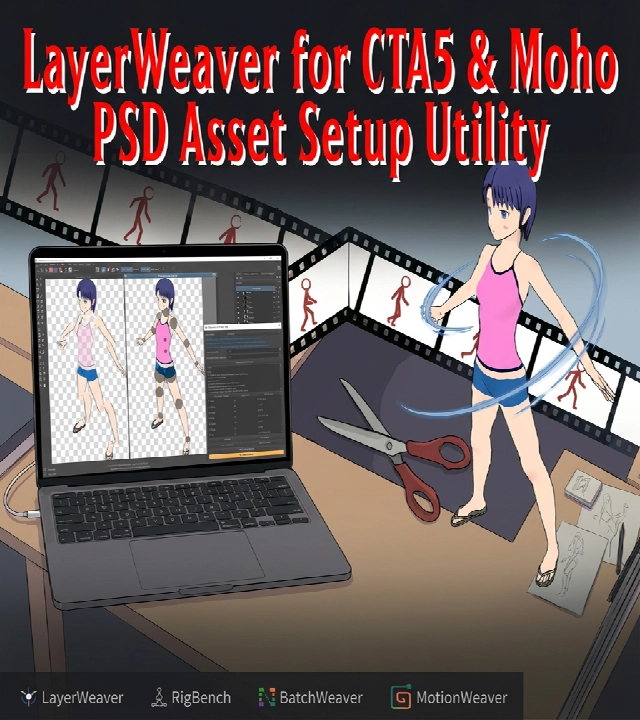
LayerWeaver
通常価格
0
円商品紹介
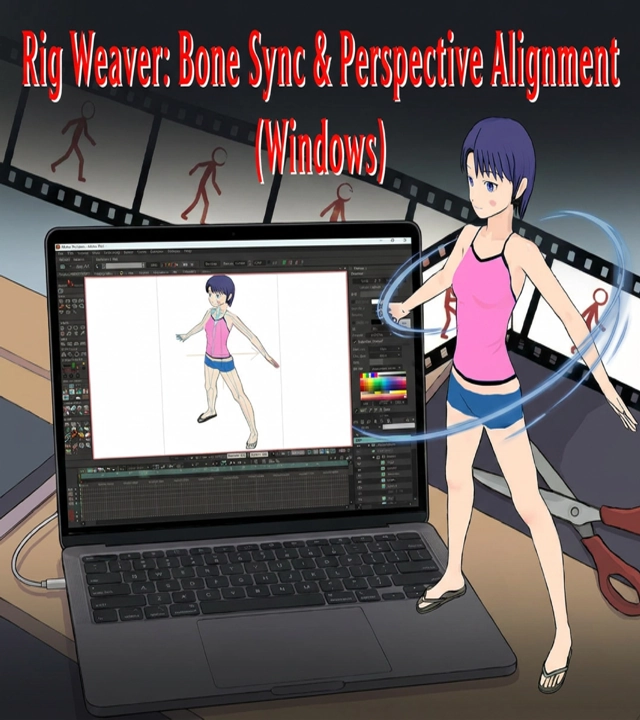
RigWeaver
通常価格
0
円商品紹介
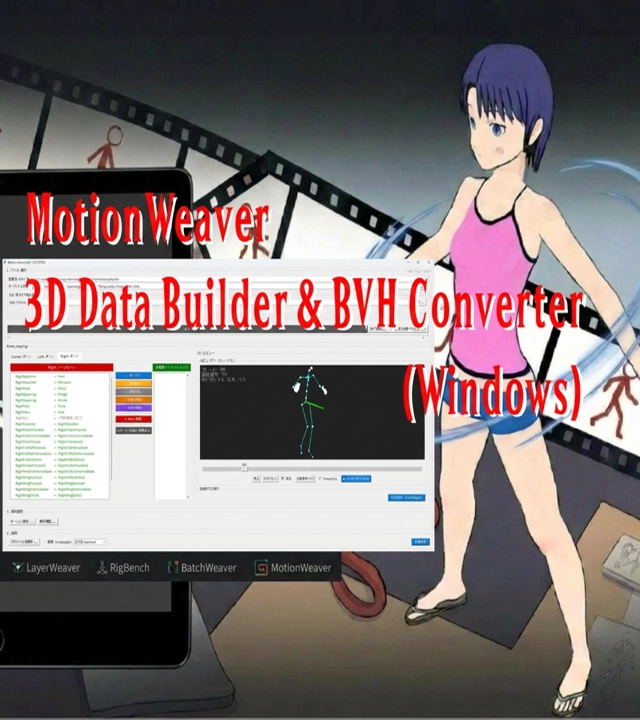
MotionWeaver
通常価格
3,***
円商品紹介
関連情報
洗濯クリップ |簡単に使えておしゃれで可愛い着せ替えて遊べる洗濯ばさみ
誰でも簡単に幸せになれる。家事や子育て、介護が楽しくて簡単に思えてくるアイテムの企画製造販売をいたします。洗濯クリップは引っ張るだけで簡単に洗濯物を干して取り込める、おしゃれで可愛い着せ替えて遊べる洗濯ばさみ。耐候性があってボロボロになりにくいから壊れて捨てた洗濯ばさみと交換してハンガーを長く使うことができます。商品展示用に帽子や写真などを吊るしたり、ハンカチクリップとしてバッグやスカート、ズボン、お子様のランドセルに取り付けたりなど幅広くご活用していただけます。
| 屋号 | 洗濯クリップ |
|---|---|
| 住所 | 〒273-0011 千葉県 船橋市湊町2-4-5-6 |
| 電話番号 | 047-434-8589 |
| 営業時間 | 平日9時~17時 定休日:土・日・祝日 |
| 代表者名 | 橋本 拓也 (ハシモト タクヤ) |
| info@sentakuclip.net |